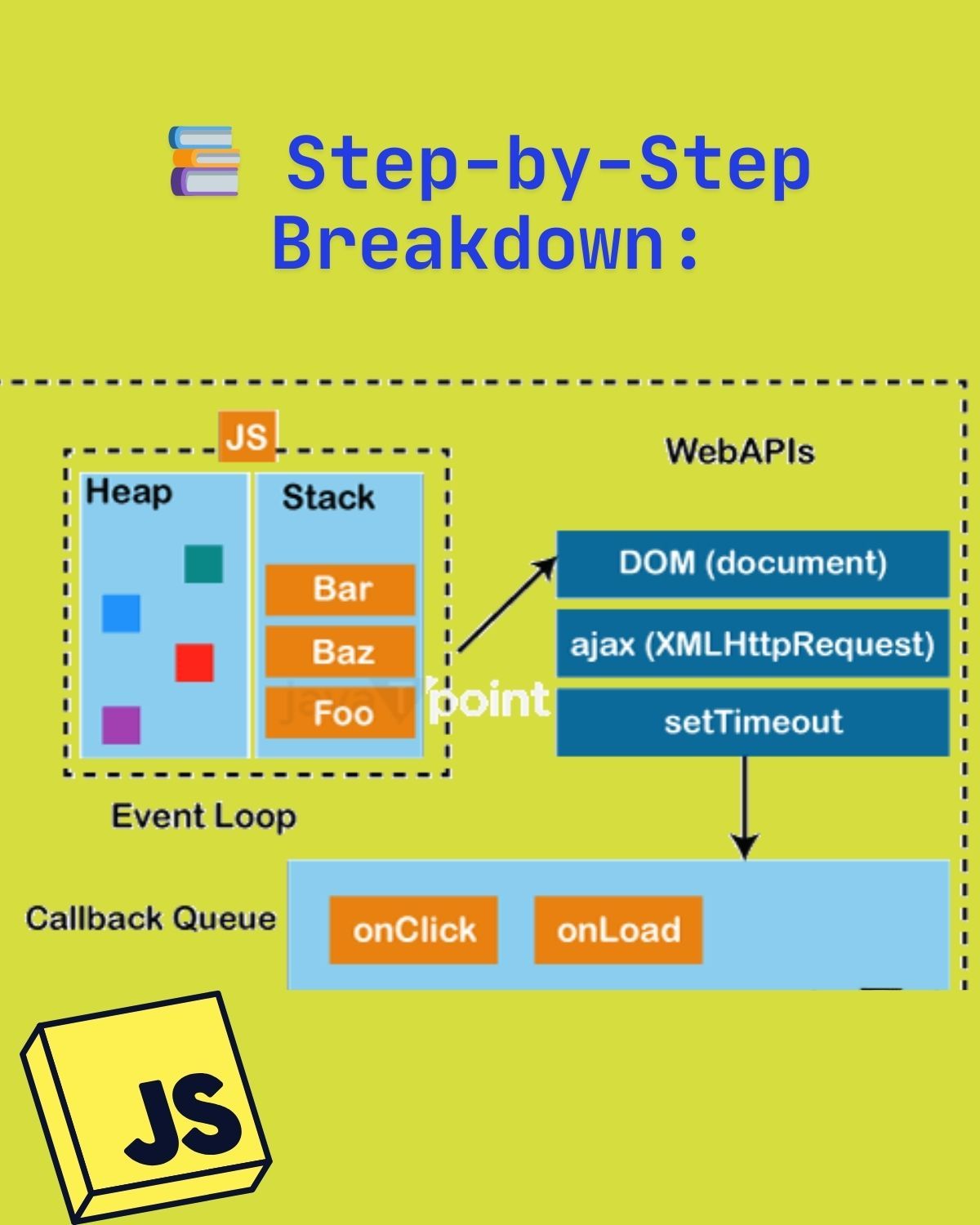
Ever wonder how JavaScript handles async work like setTimeout without freezing the page? It's all thanks to the event loop, which coordinates four parts: the call stack, the Web APIs, the callback queue, and the loop itself.
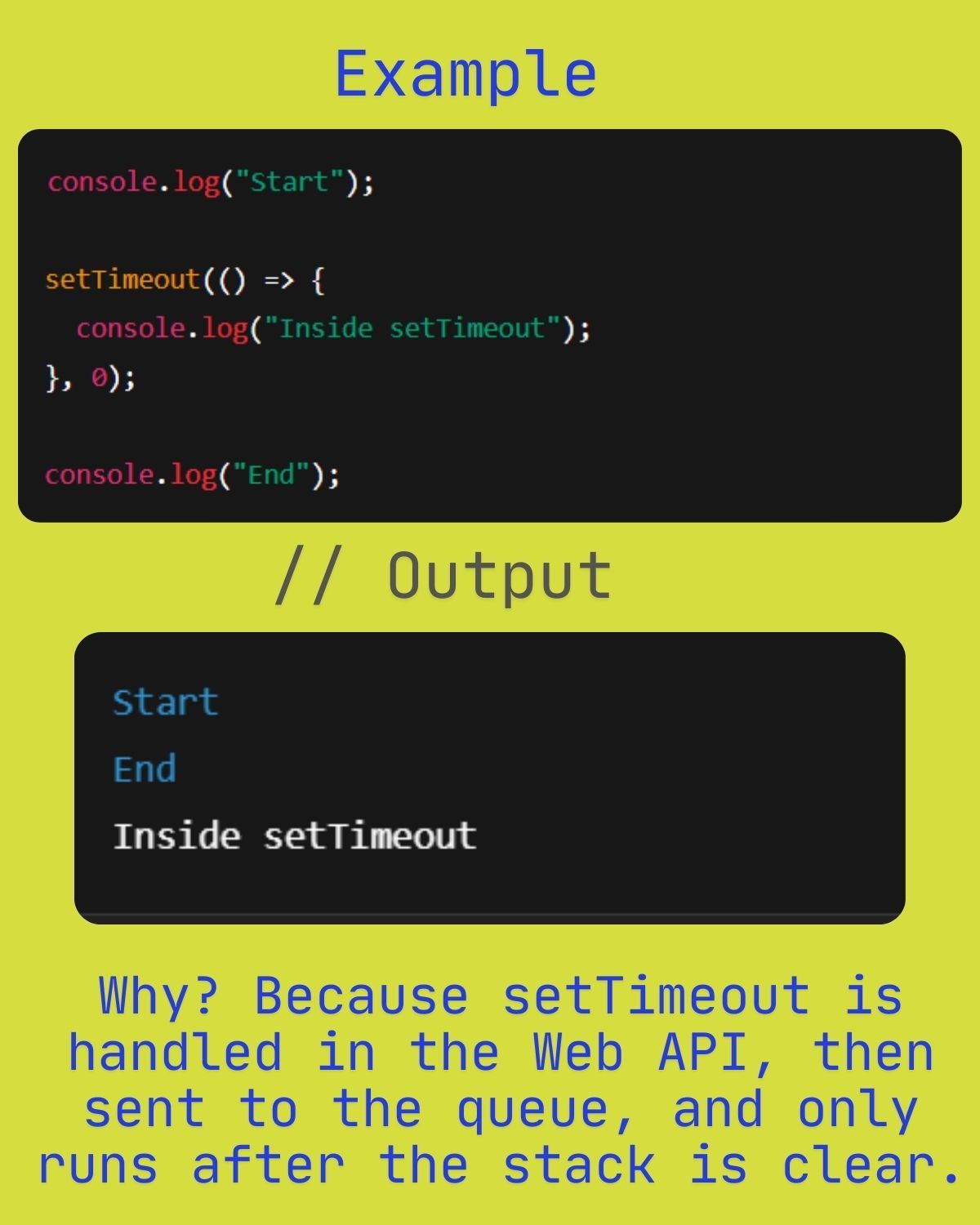
Example
console.log("Start");

setTimeout(() => {
  console.log("Inside setTimeout");
}, 0);

console.log("End");
Output:
Start
End
Inside setTimeout
Why? Because setTimeout is handled by the Web API, then sent to the queue, and only runs after the call stack is clear — even with a delay of 0.
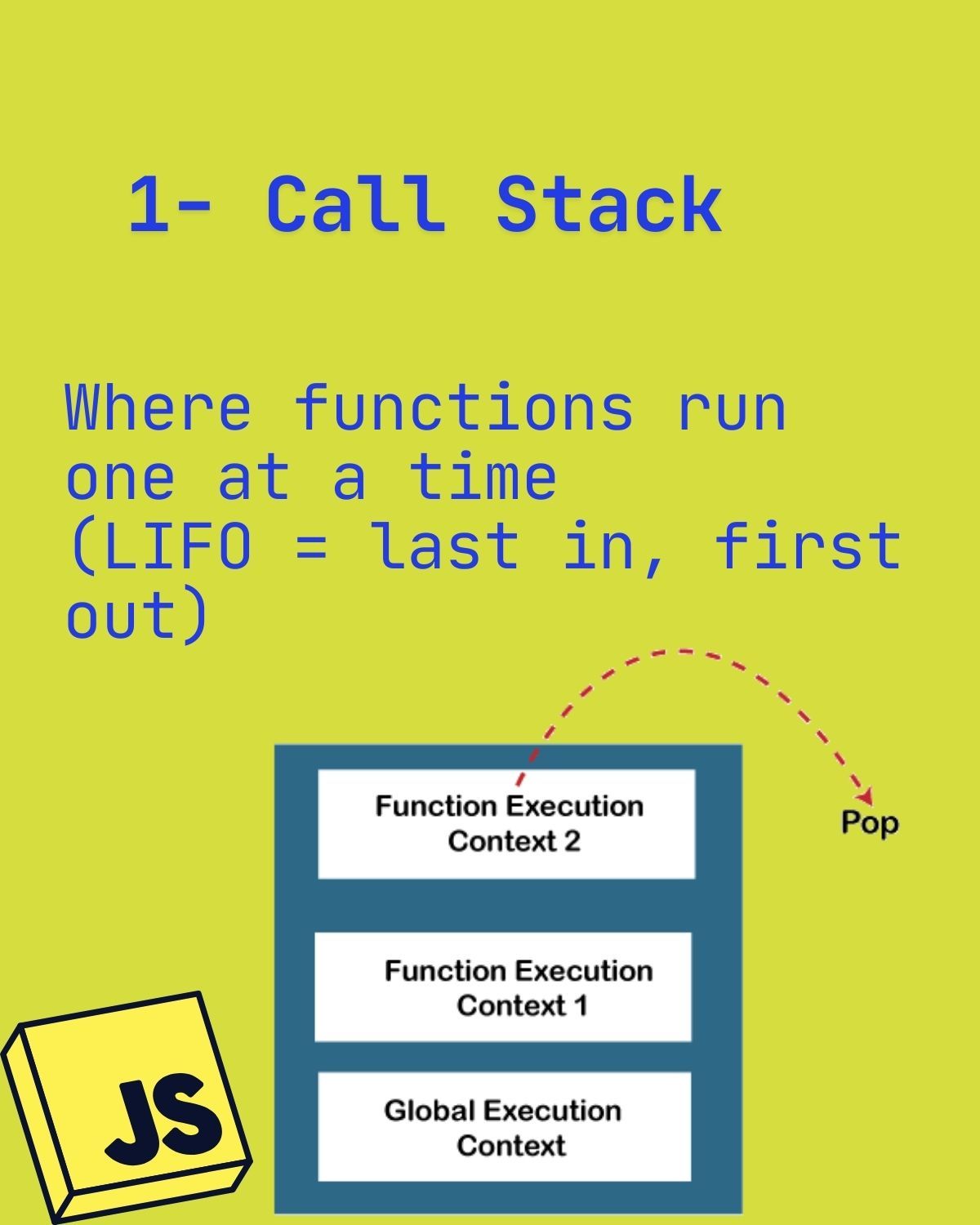
1. Call stack
Where functions run, one at a time. It is LIFO (last in, first out): each call pushes a function execution context on top of the global execution context, and it is popped off when the function returns.
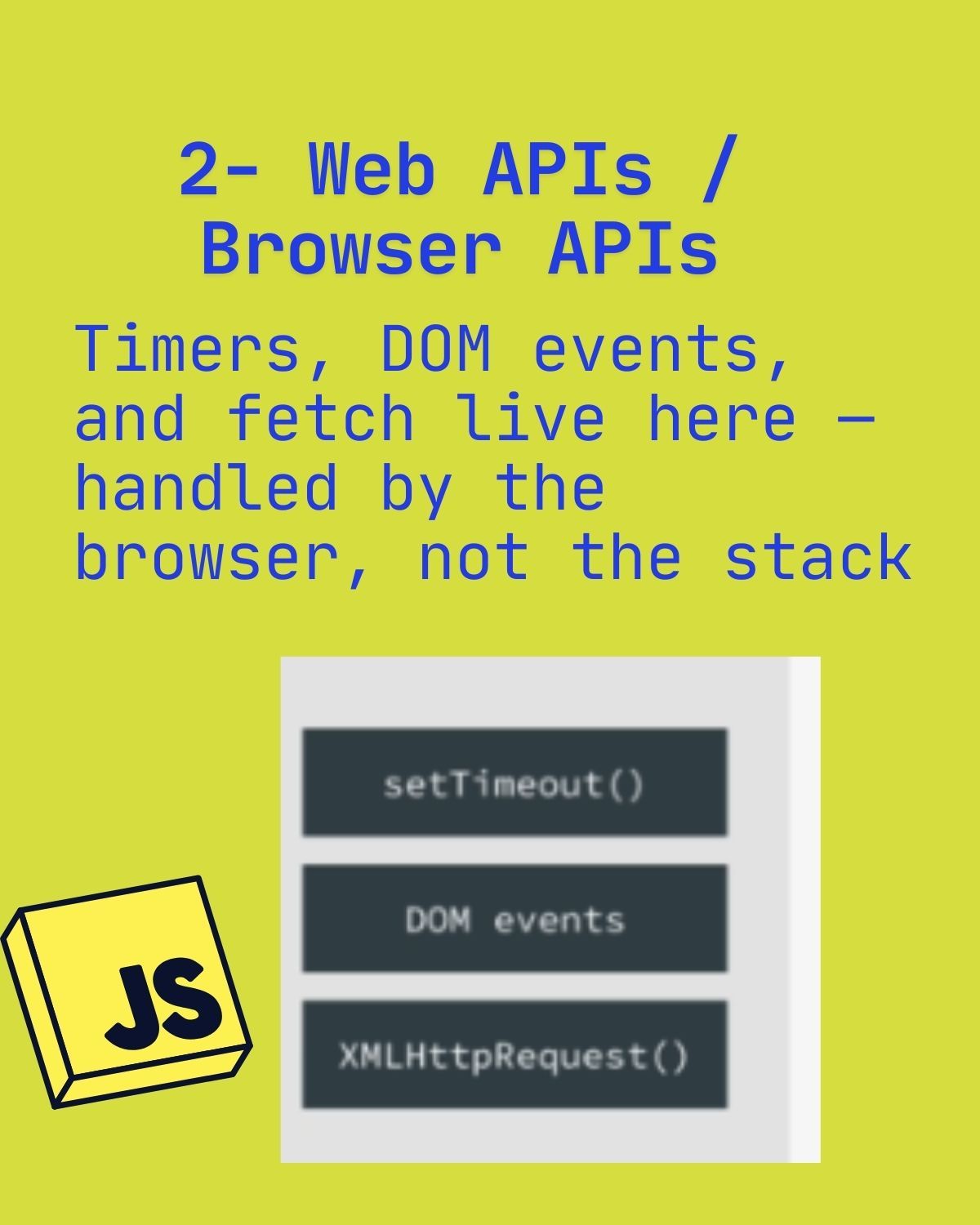
2. Web APIs / browser APIs
Timers, DOM events, and fetch or XMLHttpRequest live here. They are handled by the browser, not by the call stack.
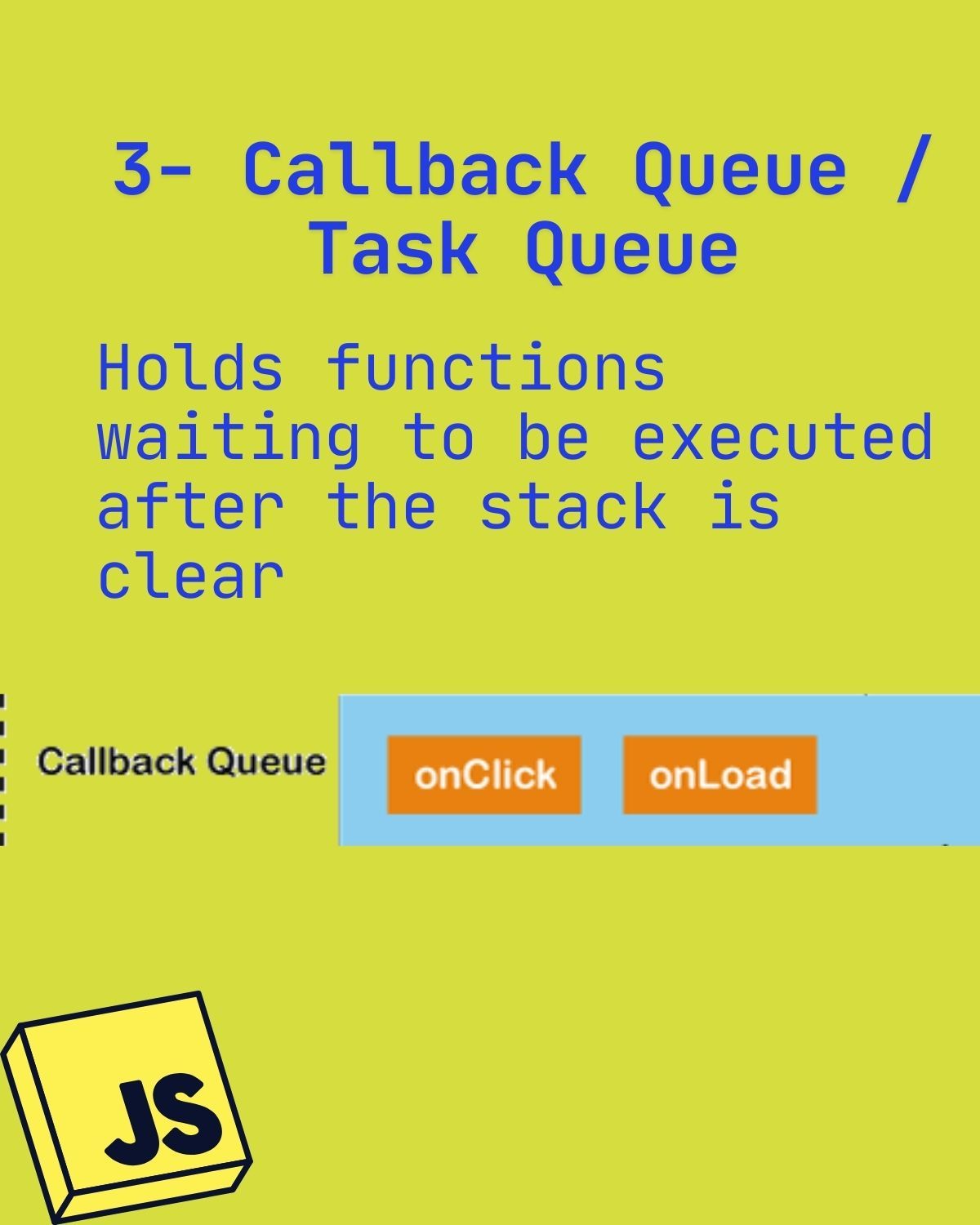
3. Callback queue / task queue
Holds callbacks — like onClick or onLoad handlers — waiting to be executed after the stack is clear.
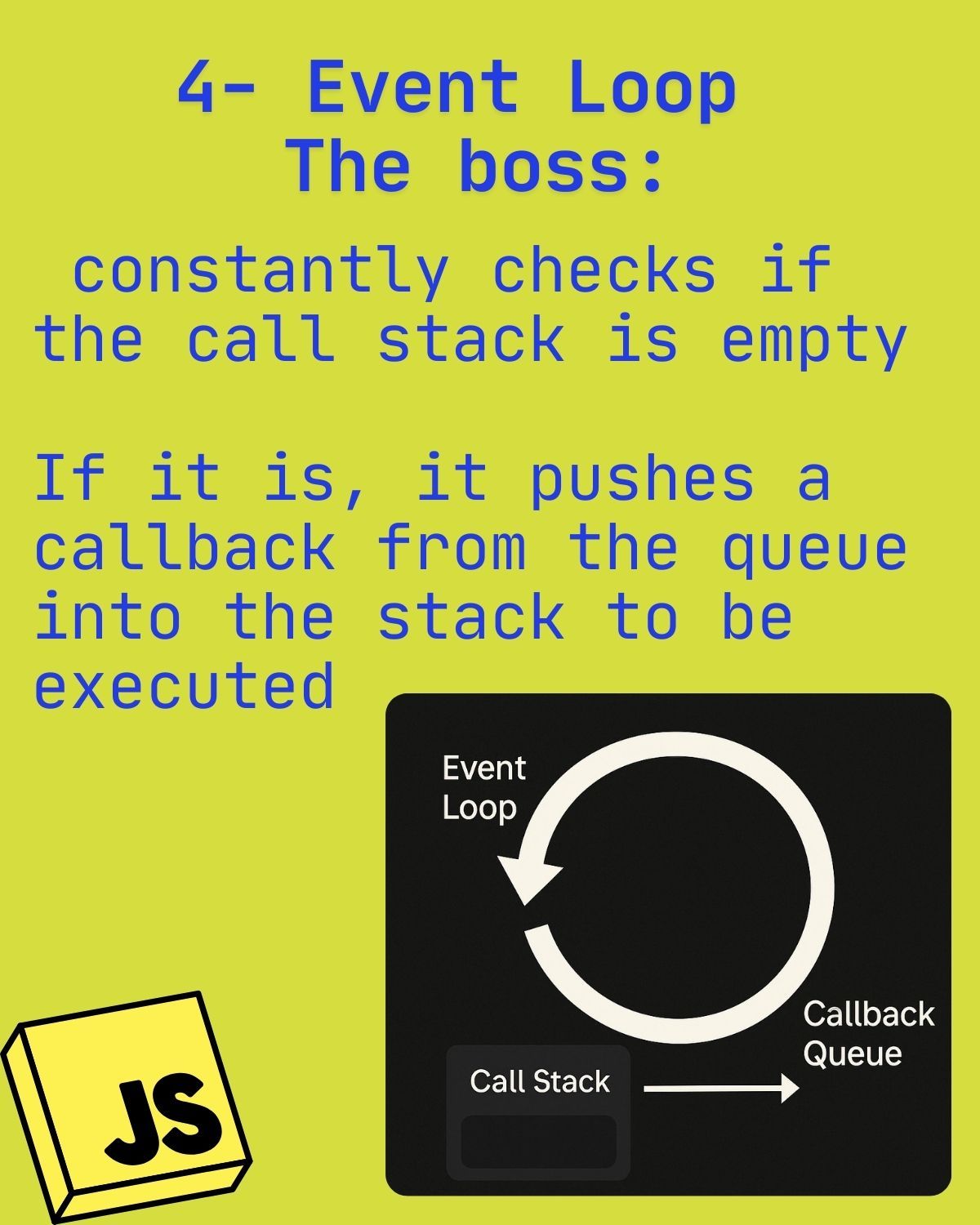
4. Event loop (the boss)
The event loop constantly checks whether the call stack is empty. If it is, it pushes the next callback from the queue onto the stack to be executed.